MyMemory
An assistant is only as useful as what it knows about you.
Autonomy is easy to demo — every AI can run a task. But an assistant that doesn't know your customers, your projects, your standards or how you sort your mail answers like a stranger. Darwin's answer is memory. It's the thing that turns a tool into a colleague.
Ask a generic AI "how do we invoice the bridge project?" and you get a generic essay. Ask an assistant who has your clients, your contracts and last month's decisions in memory — and you get the answer your company would give. That difference isn't the model. It's what the model remembers.
Processes and agents are the muscles. Memory is the reason they know what to do.
Five layers of one memory
- FactsQuick factsShort one-liners Darwin keeps from conversation — "the invoice prefix is BB-", "Peter prefers calls after lunch." Injected into every turn.
- VaultThe knowledge vaultFull notes as Markdown files (Obsidian-compatible): projects, clients, procedures, decisions. Cross-linked, browsable as a living graph — and readable without Darwin, forever.
- AgentsEach agent's own memoryEvery specialist keeps a protected core — a diary and notes it writes itself — plus knowledge you assign: drag a folder of standards onto the engineer, sales playbooks onto sales. The same agent gets sharper every week.
- ProcessesProcess memoryRecurring automations carry their own curated context and a log of past runs — so a triage or report run continues where the last one ended instead of starting from zero.
- RecallSemantic recallA local embedder turns meaning into coordinates, so the right memory surfaces even when you phrase it differently — computed on your GPU, for free. How that works ›
See it
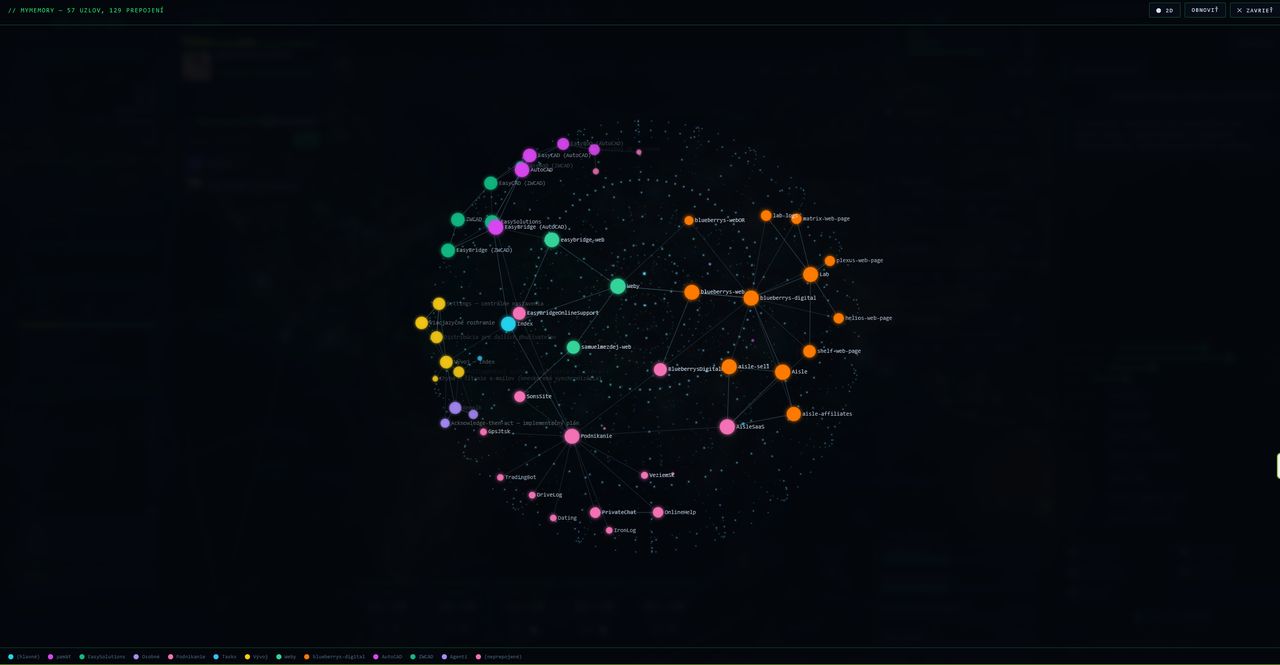
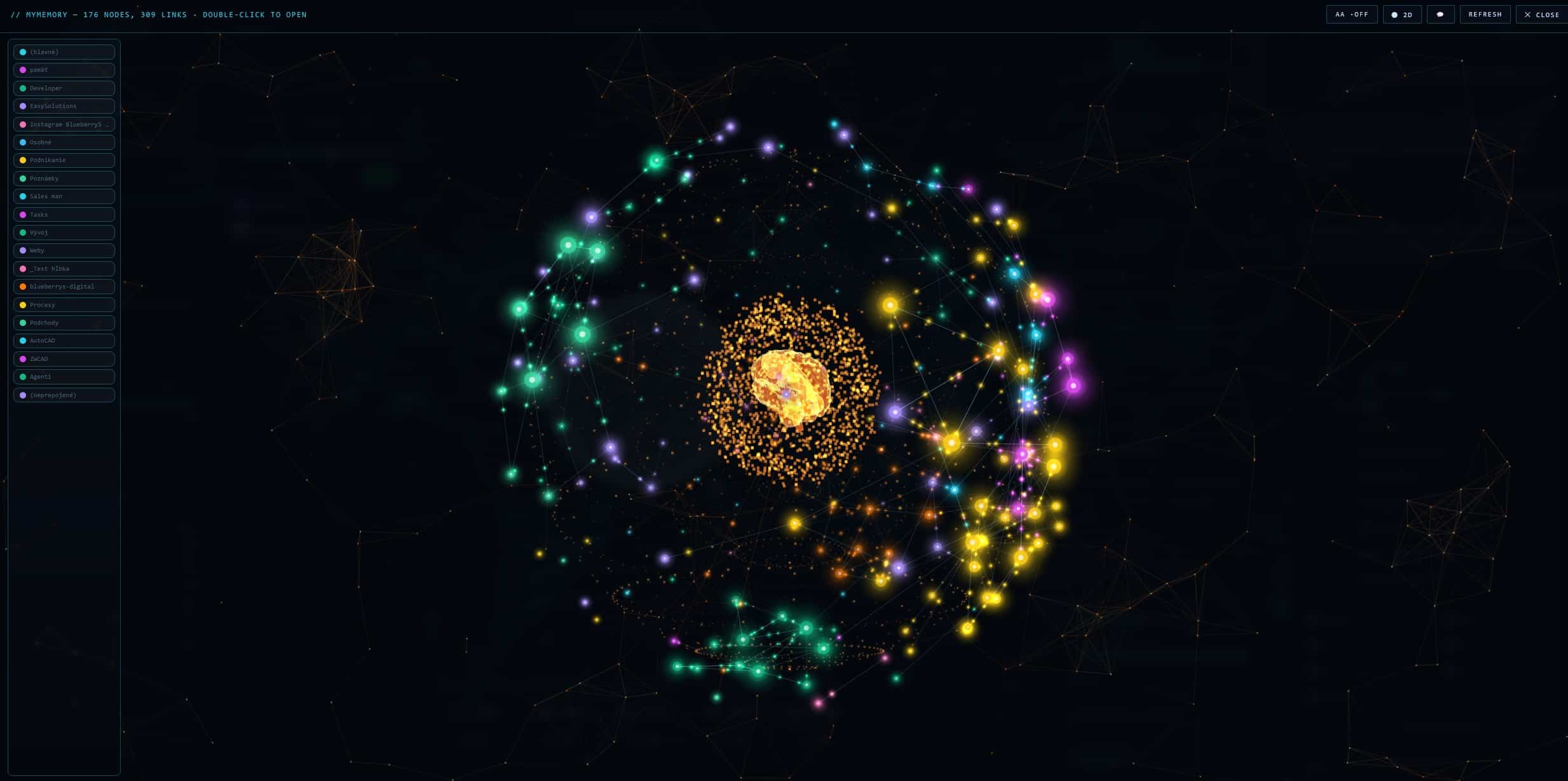
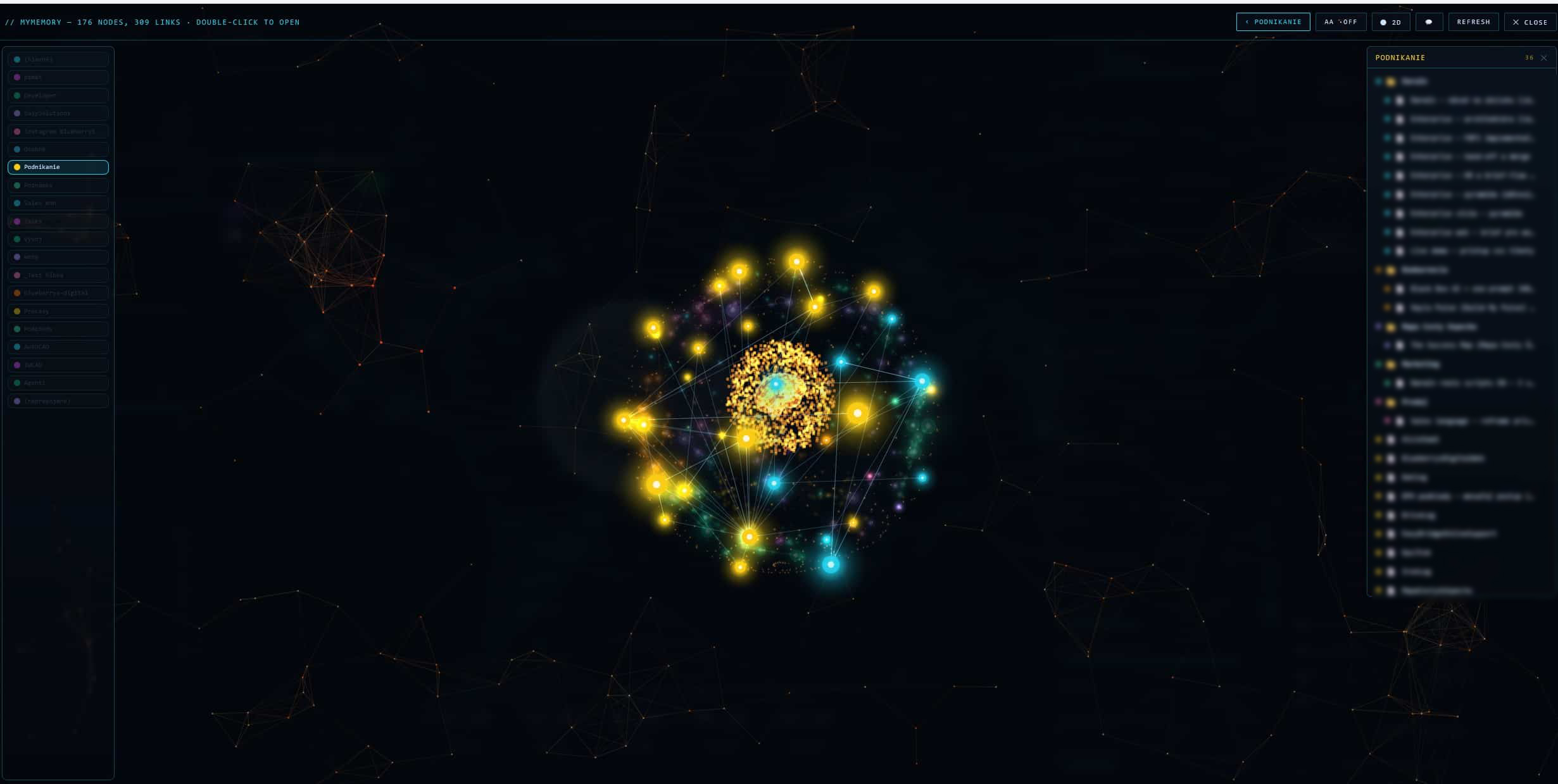
The map of meanings — how Darwin actually searches
The graph above shows structure: what links to what, who mentions whom. This is the other half of the story — meaning. Memory isn't stored only as text but as a position in space: every memory is a point, and things that belong together sit close to each other, even when they don't share a single word.
When you ask something, Darwin doesn't read the whole memory. He turns your question into a point of the same kind and pulls in the nearest ones — and answers from those alone. (The technical name for this is RAG.)
Tap a question and watch what Darwin pulls in.
Why we built it this way and what it saved is in part two: When memory starts to cost ›
Set it up in five minutes — an agent that knows your standards
The fastest way to feel what memory does: build one specialist. Say you're an engineer with folders full of standards and regulations.
- Step 1Create the agentSettings > Agents — or just tell Darwin: "create an agent called Engineer." Write the role like a job description: "You work with technical standards and always cite the source."
- Step 2Open its memoryClick the brain button on the agent's box. Its memory card has two parts: a locked core (the diary it writes itself — protected from deletion) and the knowledge you assign.
- Step 3Assign your foldersDrag a note from your vault onto the card — or create a branch like "Standards" and write the folder paths into it: D:\Standards\Steel (EN 1990–1999). Edit or remove assigned branches anytime.
- Step 4Allow file accessSettings > Permissions > Files — so the agent can actually open the PDFs, Word and Excel files in those folders. Sensitive tools still ask for your access code.
- Step 5Delegate"Engineer, what load does the standard prescribe for…" — the agent gets its memory injected, knows where to look, opens the exact document and cites it. What it learns, it writes into its diary.
Tip: keep the knowledge itself as notes in the vault and assign them — the same note can serve several agents at once. The full step-by-step also ships with the app as a PDF guide.
Watch it
Video tour — coming soon. Darwin walks through his own memory, live.
Darwin explains — the memory series
- 01How an AI actually remembers — files, not magic
- 02When memory starts to cost — and why we vectorised it
- 03Who actually searches your memory — the embedder, the math, the brain
Meet the assistant whose memory is yours
Runs on your own PC. Learns your business. Keeps everything as files you own.
Get Darwin ›